

Documentation Index
Fetch the complete documentation index at: https://docs.airmdr.com/llms.txt
Use this file to discover all available pages before exploring further.
Overview
To access our AirMDR API, you need to authenticate using an API token. API tokens allow your application to interact with our AirMDR API on your behalf without requiring a username and password.Generate API Token via AirMDR UI
✨ Step-by-Step for End UsersLog in to Your Account
- Navigate to the AirMDR dashboard.
- Use your username and password to sign in.
Access API Settings
- In the left navigation pane, click on the User profile/avatar.
-
Click on Go to Admin dashboard.
Only users with Admin or Super Admin role can view admin dashboard and create token.
-
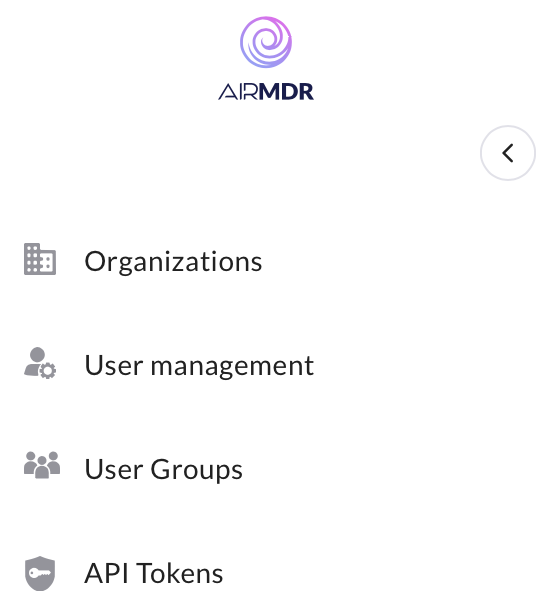
Select API Tokens from the sidebar menu.\
Create a New Token
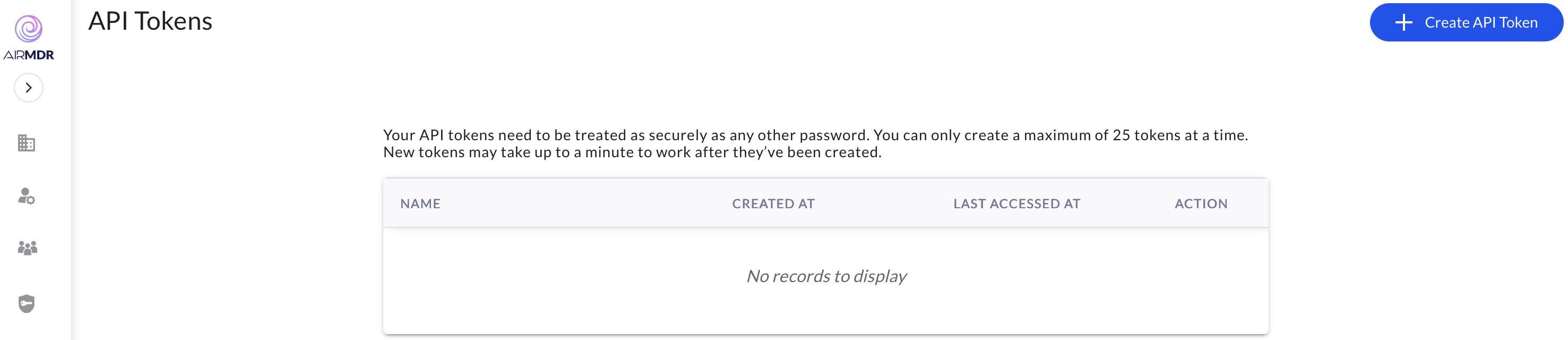
- Click the “Create API Token” button.\
- Provide a Name to the generated API (e.g., “AirMDR App Integration”).\
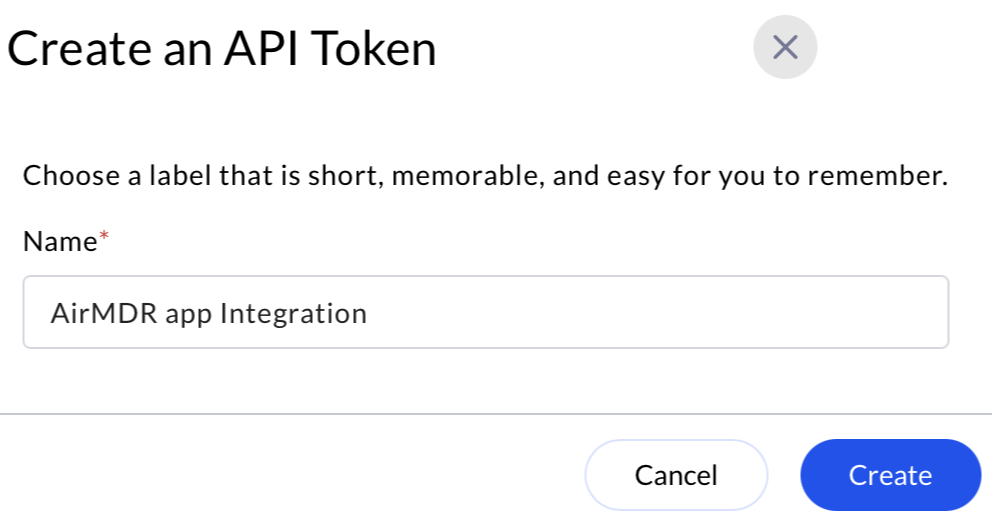
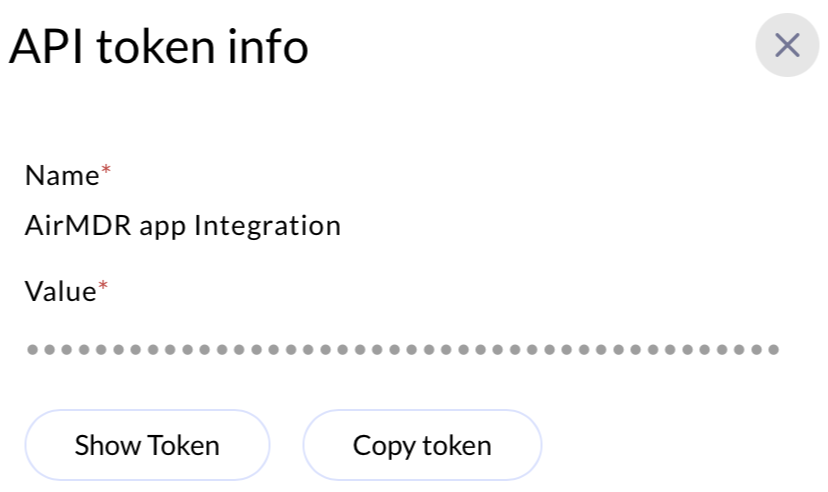
- Click Create.

📥 Using the Token
After obtaining your token, include it in theAuthorization header for subsequent API requests.
All necessary headers (like
Authorization) are automatically prefilled when you generate a new API token.🔒 Best Practices
- Use HTTPS for all API calls.
- Never share your token publicly (e.g., in GitHub repos).
- Use separate tokens for different environments/projects.
- Delete and regenerate tokens regularly or if you suspect a leak.
- Prefer scoped and expiring tokens for extra security.
💡 Tips for Developers
- Handle token expiration gracefully by checking for
401 Unauthorizedresponses.